
The best eSIM for a USA road trip
Driving the Southwest, the Pacific Coast or a cross country run on unlimited data: where signal disappears, what a driving day really uses, and the setup to do before you pick up the car.
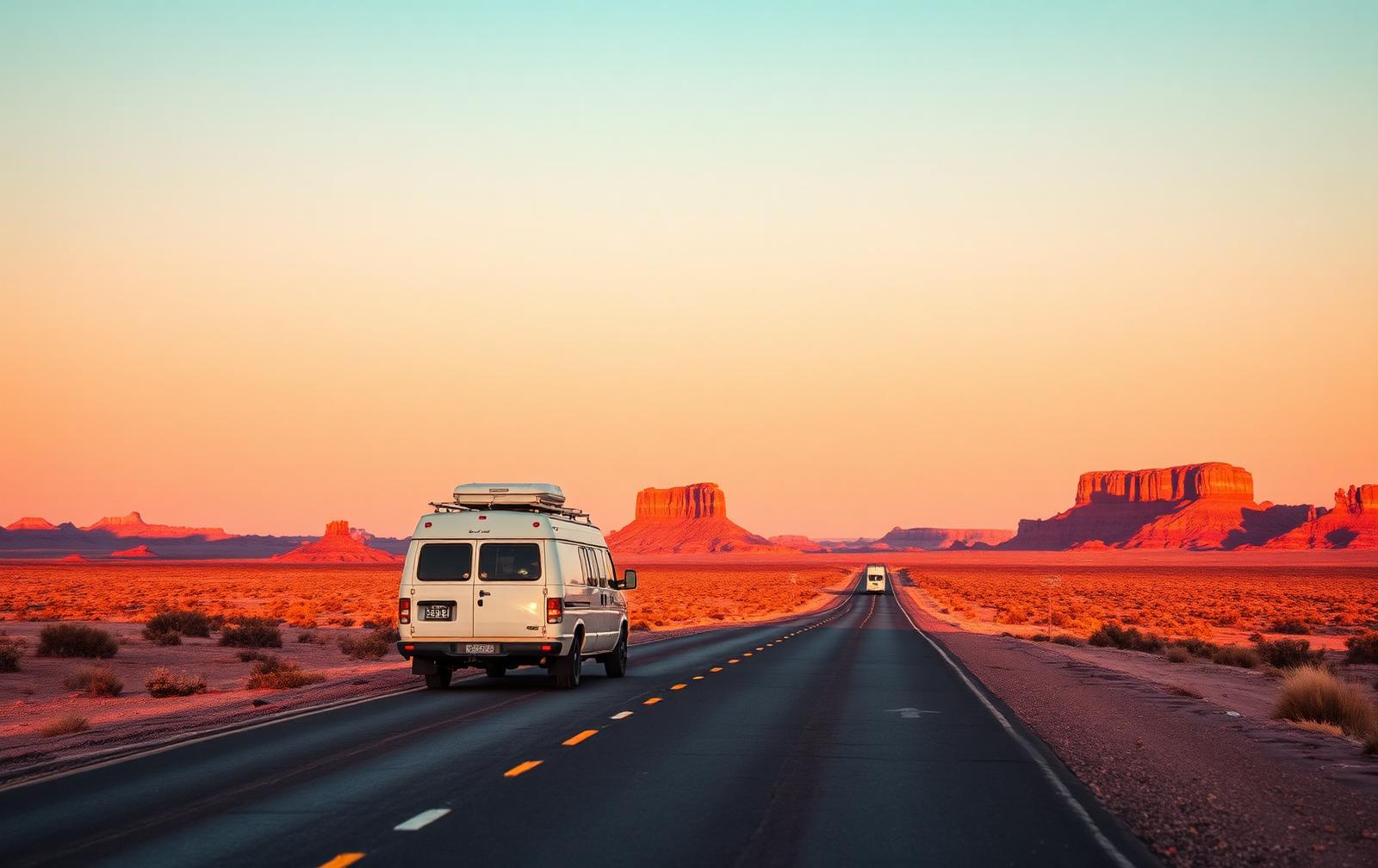
American road trips are longer than people plan for. The gap between one town and the next can be two hours, the fuel stop is a card reader in a field, and the campsite booking, the park entry pass and the motel confirmation all live on a phone. Data is not a luxury on this trip, it is the glue holding the itinerary together.
This guide is about the drive: where signal genuinely disappears, what a full day in the car costs in data, and the ten minutes of setup at home that stop you paying for an airport SIM or a roaming day pass at four times the price.
A two week Southwest loop, and where connectivity matters
Treat it as a shape rather than a schedule. It shows which legs need a live connection and which ones you can happily drive offline.
- 1
Las Vegas to Zion
About 2 hours 45Strong coverage on the interstate. Good leg for downloading offline maps and park passes for the days ahead.
- 2
Zion to Bryce Canyon
About 2 hoursSignal drops inside the canyons and on the plateau. Timed entry and shuttle information should already be on your phone.
- 3
Bryce to Moab
About 4 hours 30Long empty stretches of Utah highway with real dead zones. Fuel and water decisions matter more than data here.
- 4
Moab to Monument Valley
About 2 hours 30Sparse coverage on tribal land and open desert. Save the whole region offline before you leave town.
- 5
Monument Valley to the Grand Canyon
About 3 hours 30Coverage returns near the rim villages, which is where lodge messages and the next day's bookings land.
Where the signal actually disappears
In cities, along the interstates and around the big national park gateways, mobile data in the United States is fast. The dead zones are real though, and they are larger than in Europe: stretches of Utah, Nevada and Wyoming, the interior of the national parks themselves, mountain passes in Colorado, and long sections of desert highway where the nearest tower is a very long way off.
No provider fixes that, because the towers are simply not there. What fixes it is preparing for the gap: cached maps, downloaded passes and a plan that reconnects the moment you climb back into coverage.
Save whole states, not cities
Offline map areas in the US need to be big. Save the day's full driving corridor before you set off.
Download park passes and reservations
Timed entry, campground bookings and shuttle times often need to be shown where there is no signal.
Tell someone the route
On empty desert legs, a message before you lose signal is a genuine safety habit, not an overreaction.
What a driving day costs in data
Turn by turn navigation is light once the map area is cached, because the phone is mostly pulling traffic updates. What eats data on an American road trip is everything else: eight hours of streamed audio, a passenger watching something across Nevada, photo backups from a park day, and the evening video call home from the motel.
That is why our plans are unlimited by duration rather than sold as gigabytes. On a 3,000 mile loop you should not be rationing music on day nine.
Navigation
Modest, and lighter still with offline maps saved for each state you cross.
Audio for the miles
The biggest consumer by far on long drives. Unlimited means you never think about it.
Photos and calls
Let backups run overnight on motel wifi rather than while you are navigating.
Unlimited data, and 10% to street dogs
rufly plans are unlimited for the length of your trip, so navigation, music and photo backups all come out of the same pot. Ten percent of what you pay goes to shelters caring for street dogs.
See United States plansTolls, parking and rental company charges
Many American toll roads are camera enforced with no cash option, and rental companies charge a daily administration fee for their transponder whether you use it or not. Checking which roads on your route are tolled, and whether your rental includes a pass, is a five minute job that needs a connection and saves real money.
City parking is app driven in most of the country now, and national park entry increasingly runs through a timed reservation you show on your phone. Arriving at a gate with no signal and no downloaded pass is the classic first day mistake.
Set the eSIM up before you fly
Install the eSIM at home on wifi and leave it switched off until you land. Installation is the only step that needs a stable connection, and doing it at a US arrivals hall after a long haul flight is how people end up on a roaming day pass instead.
On landing, switch the travel line on, set it as your data line, keep your home number active for calls and bank codes, and turn data roaming on for the travel line only.
Before the flight
Install the eSIM, save offline maps for the first two states, download audio, screenshot the rental booking.
On landing
Enable the travel line, confirm maps loads, then walk to the rental shuttle.
In the car
Phone mounted and charging, route started before you pull out, passenger on the hotspot.
Which plan length for a two week US road trip
Validity starts when the eSIM first connects to a US network, so buy one plan that spans the whole trip rather than stitching short ones together. For a two week loop, the 15 day plan gives you the full itinerary plus a buffer day for a delayed flight home.
If your route crosses into Canada or Mexico, check the coverage list before you drive, because North American plans differ on which of the three countries they include.
Questions drivers ask
Do I need an eSIM for a USA road trip?
You need mobile data for park reservations, tolls, parking apps, live traffic and motel messages, and a travel eSIM is far cheaper than a home network roaming pass or an airport SIM. Install it before you fly and it works the moment you land.
Will an eSIM work in national parks and the desert?
Coverage in the interior of national parks and on empty desert highways is genuinely patchy, whichever network you use, because the towers are not there. Save offline maps and downloaded passes for the whole region and the phone keeps guiding you through the gap.
How much data do I need for a two week US road trip?
Navigation is light, but audio streaming across long driving days, photo backups and evening calls add up quickly. rufly sells unlimited plans by duration so there is nothing to calculate.
Does a USA eSIM cover Canada and Mexico?
Not always. Some North American plans include all three countries and some do not, so check the coverage list for your plan before you plan a border crossing.
When should I install my USA eSIM?
Install it at home on wifi a day or two before you fly, then leave it off until you land. Installation is the part that needs a stable connection, and an arrivals hall is the worst place to do it.